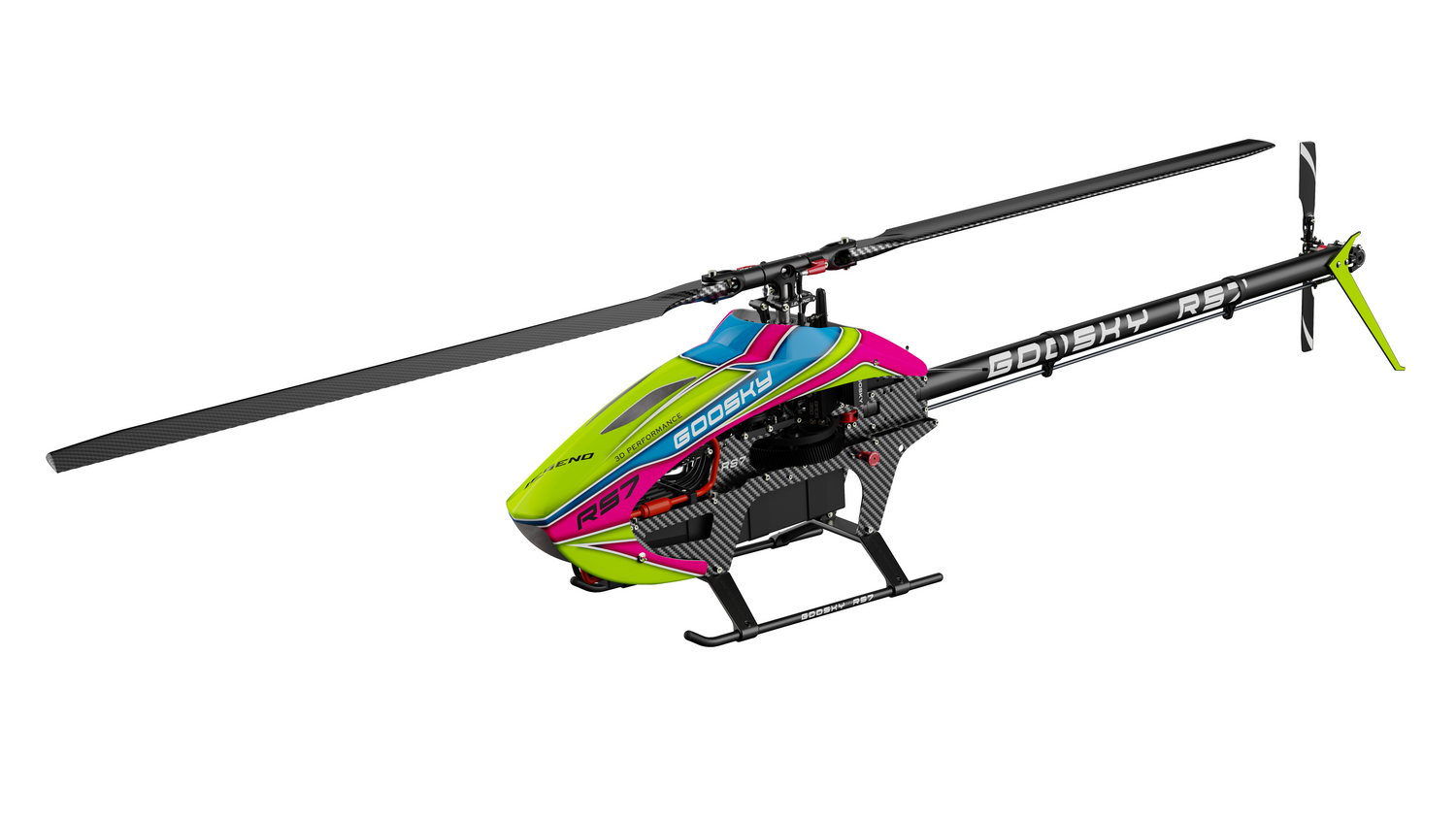

Goosky E2 GPS — LED Status & Meaning Guide
Goosky E2 GPS — LED Status & Meaning Guide
The Goosky E2 GPS uses two LED systems:
- Top LED (Green / Blue / Red) — Flight mode, GPS, battery, and signal status
- Flight Controller LED (White) — Internal sensor diagnostics and faults
Important: The top LED is used during normal flight. The white flight controller LED is mainly for troubleshooting when the helicopter will not initialize correctly.
Top LED — Flight Status & Modes

Top status LED (main flight indicator)
| LED Pattern | Status | Meaning |
|---|---|---|
| Initialization | Startup self-test. Keep the helicopter still until initialization finishes. | |
| GPS Mode | Full position hold. Use this only after GPS lock is established. | |
| Vision Mode | Optical positioning mode. Works best over textured ground and at low altitude. | |
| Manual Mode | No GPS or vision position hold, but still stabilized. This is not true acro or 3D manual mode. | |
| Low Battery (Level 1) | Battery is low. End the flight and land soon. | |
| Low Battery (Level 2) | Critical battery warning. Land immediately. | |
| Signal Lost | Signal loss detected. Return-to-home has been triggered. | |
| Calibration Mode | Calibration is active. Follow the matching calibration procedure and avoid random movement. |
Quick reference: Solid green = GPS mode, flashing green = Vision mode, solid blue = Manual mode, and red indications = battery warning or signal loss.
Flight Controller LED — Sensor Diagnostics
The white LED on the flight controller uses a counted flash pattern during startup fault reporting.
How to read it: Count the white flashes, then match that number to the sensor below. The pattern repeats as blink → pause → repeat.
| Flash Count | LED Pattern | Sensor | Meaning | What to Check |
|---|---|---|---|---|
| 2 flashes | pause | GYRO | Gyroscope initialization error or fault. | Place the helicopter on a stable surface, keep it completely still during startup, then power cycle and retry. |
| 3 flashes | pause | BARO | Barometer issue. | Restart the model in a stable environment and avoid powering up immediately after a major temperature change. |
| 4 flashes | pause | MAG | Compass error. GPS flight will be unreliable. | Move away from metal, rebar, vehicles, and interference sources. Re-run compass calibration outdoors. |
| 5 flashes | pause | TOF | Height / distance sensor issue. | Inspect the underside sensor area for dirt, damage, or obstruction. Low-altitude stability may be affected. |
| 6 flashes | pause | VISION | Optical positioning sensor issue. | Clean and inspect the vision sensor area. Vision mode may not work correctly until this is resolved. |
Important: If a sensor fault is present, the helicopter may refuse to initialize, refuse to arm, or behave abnormally. Resolve sensor errors before flight.
Quick Diagnostic Flow
1. Check the top LED
If the helicopter is powering up normally, use the top LED first to identify flight mode, battery warnings, or signal loss.
2. If startup fails, check the white FC LED
Count the flashes, note the pause, and match the count to the sensor fault table above.
3. Fix the root cause
Recalibrate the compass, clean the sensors, restart on a level surface, or move away from interference before trying again.
Common Startup Mistakes
- Moving the helicopter during initialization
- Attempting GPS takeoff before GPS lock is established
- Powering up near vehicles, rebar, or other magnetic interference
- Using Vision Mode over reflective, transparent, or solid-color surfaces
- Ignoring battery warnings and continuing the flight
Tip: If something looks wrong, do not force takeoff. Most E2 problems are easier to fix on the bench than after a crash.
🔧 Troubleshooting
- No green GPS indication – Move to open sky and wait longer for GPS lock.
- Drifting in GPS mode – Recalibrate the compass and verify GPS lock before takeoff.
- Vision mode unstable – Avoid reflective, transparent, or solid-color surfaces.
- Battery warning active – Land as soon as possible. Do not keep flying into critical battery level.
- White FC LED flashing a count pattern – Count the flashes, identify the sensor, and fix that issue before flight.
Guide provided by New England RC
Support resources for RC helicopters, Rotorflight setups, and RC electronics.
© 2026 New England RC LLC. All rights reserved.
Support resources for RC helicopters, Rotorflight setups, and RC electronics.
© 2026 New England RC LLC. All rights reserved.