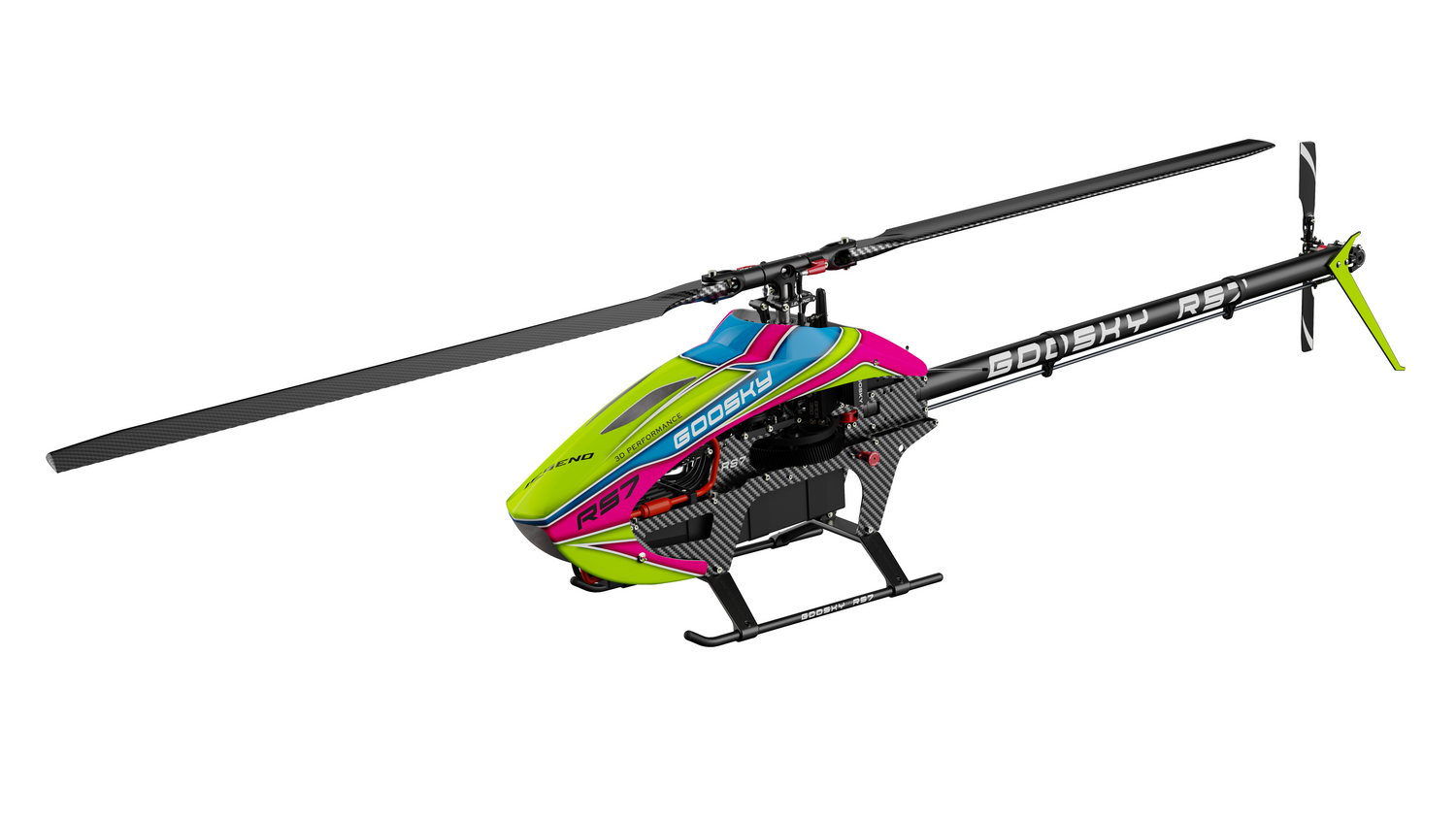

Goosky E2 GPS Servo Adjustment
Goosky E2 GPS — Servo Midpoint & Pitch Calibration Guide
This procedure allows you to adjust servo center, positive pitch, and negative pitch on the Goosky E2 GPS flight controller using the onboard SET button and transmitter mode switch.
⚠️ Before You Begin
- Remove the main blades for safety.
- Ensure the transmitter is powered on and bound.
- Place the helicopter on a stable level surface.
- Throttle hold enabled (motor will also be locked automatically in debug mode).
Step 1 — Enter Debug Mode

- Power on the helicopter and transmitter.
- Locate the SET button on the flight controller.
- Press and hold the SET button for 3 seconds.
- The controller enters debug mode, the blue LED flashes, and the throttle is locked / protected.
Step 2 — Select the Adjustment Type with the Flight Mode Switch
The transmitter mode switch selects which adjustment is active:
Back = G (GPS) | Middle = V (Optical Flow / Vision) | Forward = M (Manual)
V Position — Servo Center Adjustment
- Move the mode switch to V.
- This enters servo midpoint / servo center calibration.
- Use the transmitter control channels to set servo center positions:
- Rudder → CH1
- Elevator → CH2
- Aileron → CH3
- Adjust until the servo horns are centered and the swashplate is level.
G Position — Positive Pitch Adjustment
- Move the mode switch to G.
- This enters positive pitch setup.
- Use the elevator stick to adjust pitch:
- Push elevator stick up to increase pitch.
- Pull elevator stick down to decrease pitch.
- Factory default setting: +12°
M Position — Negative Pitch Adjustment
- Move the mode switch to M.
- This enters negative pitch setup.
- Use the elevator stick to adjust pitch:
- Push elevator stick up to increase pitch.
- Pull elevator stick down to decrease pitch.
- Factory default setting: -12°
Step 3 — Save and Exit
- Press and hold the SET button for 3 seconds to save settings and exit.
- The blue LED will turn off.
- After exiting, verify:
- Swashplate is level at center stick.
- At mid stick, blades should be approximately 0° pitch.
- Positive and negative pitch are symmetrical.
- Servos return smoothly to center.
Important Notes
- Adjustment mode is entered and saved using the onboard SET button.
- Throttle is locked while in adjustment mode.
- Control inputs directly move servos during adjustment mode — this is normal and not flight behavior.
- Always remove main blades before performing setup.
🔧 Troubleshooting
- Blue LED does not flash – The controller may not have entered debug mode. Hold the SET button longer and verify power is on.
- Swashplate not level – Re-enter V mode and readjust servo center positions.
- Pitch range is uneven – Recheck both G and M pitch settings and confirm linkage geometry.
- Settings not retained – Exit properly by holding the SET button for 3 seconds to save.
Guide provided by New England RC
Support resources for Goosky helicopters, Rotorflight setups, and RC electronics.
© 2026 New England RC LLC. All rights reserved.
This guide may not be reproduced, copied, or republished on other websites or commercial platforms without permission. Please link to the original article instead of copying the content.
Support resources for Goosky helicopters, Rotorflight setups, and RC electronics.
© 2026 New England RC LLC. All rights reserved.
This guide may not be reproduced, copied, or republished on other websites or commercial platforms without permission. Please link to the original article instead of copying the content.