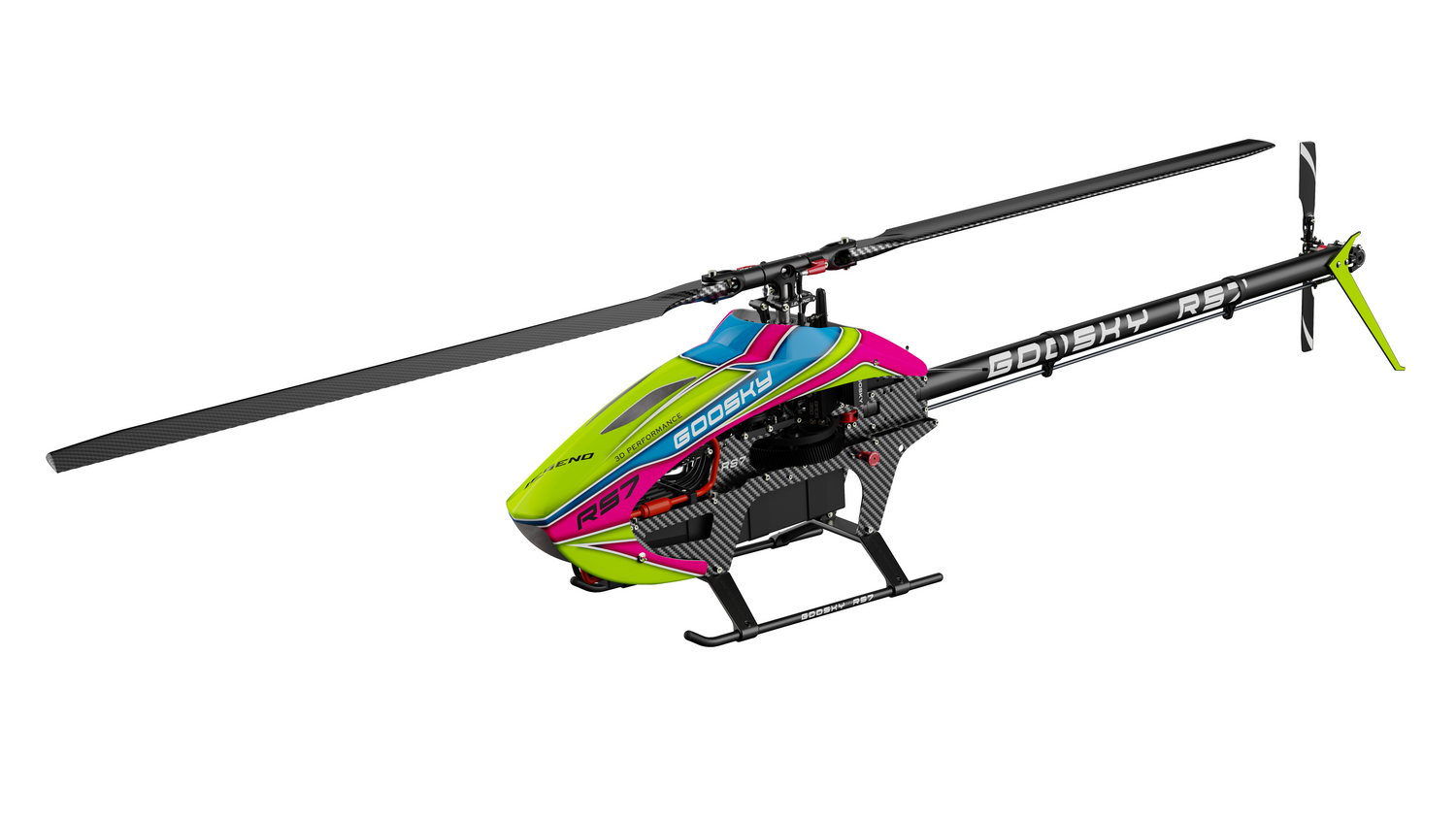

Goosky E2 GPS — Initial Setup & Calibration Guide
Goosky E2 GPS — Initial Setup & Calibration Guide
This guide walks through the correct startup sequence, compass calibration, and first flight setup for the Goosky E2 GPS helicopter, based on the official quick start procedure with additional real-world tips.
⚠️ Before You Begin
- Remove the main blades for safety.
- Fully charge the battery and transmitter.
- Perform setup outdoors, away from buildings and metal.
- Ensure all switches are in their default positions.
Step 1 — Power On (Correct Sequence)
- Press Power A + Power B buttons simultaneously on the transmitter.
- Connect the helicopter battery.
- Place the helicopter on the ground and do not move it.
- Wait for the flight controller to initialize.
Tip: If the model moves during startup, the sensors can initialize incorrectly. Let it sit still for a few seconds.
Step 2 — Wait for GPS Lock
- Leave the helicopter powered on outdoors.
- Wait approximately 1–2 minutes for satellite acquisition.
- Confirm GPS lock via LED indication.
Important: Do not take off before GPS lock if using GPS mode — position hold and return-to-home will not work correctly.
Need help with LED indicators?
See the full guide here:
Goosky E2 GPS — LED Status & Meaning Guide →
See the full guide here:
Goosky E2 GPS — LED Status & Meaning Guide →
Step 3 — Compass Calibration (Required for GPS Flight)

Horizontal Rotation

Vertical Rotation
- Power on the transmitter and helicopter.
- Quickly toggle the flight mode (smart) switch up and down 3 times.
- The LED will flash red and blue rapidly (calibration mode).
-
Horizontal Rotation:
- Hold the helicopter level.
- Rotate it slowly clockwise.
- LED will change from red → green.
-
Vertical Rotation:
- Point the nose upward.
- Rotate the helicopter again slowly.
- Calibration completes when the LED shows slow green flashing.
- Disconnect and reconnect the battery to finalize calibration.
Critical: Stay at least 1 meter away from the ground and avoid metal objects (cars, rebar, buildings). Bad compass calibration = unstable GPS flight.
Step 4 — Unlock & Prepare for Flight

Both sticks moved inward and down into a "V" shape
Tip: This is not a standard arming motion. Both sticks move inward and down toward each other.
- Unlock the throttle using the transmitter switch.
- Move both sticks inward and downward into a "V" shape and hold:
- Left stick → bottom-right
- Right stick → bottom-left
- Wait for the tail motor to begin spinning.
- Release the sticks once the system stabilizes.
Step 5 — Takeoff
- Slowly raise the throttle.
- Lift off smoothly.
- Verify stable hover before maneuvering.
Flight Modes Explained
- GPS Mode: Full position hold and altitude stability. The helicopter will maintain position and return-to-home functionality when GPS lock is available.
- Vision Mode: Uses optical flow sensors for position hold when GPS is unavailable. Limited altitude (~3m) and requires a textured surface.
- Manual Mode: GPS and vision positioning are disabled, but the helicopter still maintains basic flight stabilization (attitude leveling). This is not a full manual or 3D mode — the flight controller still stabilizes the helicopter, but it will drift and must be actively controlled by the pilot.
Important: Manual mode does not hold position. The helicopter will drift with wind or input and requires constant pilot correction.
Important Notes
- Always wait for GPS lock before takeoff.
- Recalibrate compass if flying in a new location.
- Vision mode does not work well over reflective or uniform surfaces.
- Manual mode disables GPS and vision positioning, but still retains basic stabilization.
🔧 Troubleshooting
- No GPS lock – Move to open sky, wait longer, avoid interference.
- Drifting in GPS mode – Re-run compass calibration outdoors.
- Unstable hover – Ensure level startup and no movement during initialization.
- Won’t arm – Check throttle unlock procedure and switch positions.
Guide provided by New England RC
Support resources for RC helicopters, Rotorflight setups, and RC electronics.
© 2026 New England RC LLC. All rights reserved.
This guide may not be reproduced, copied, or republished on other websites or commercial platforms without permission. Please link to the original article instead of copying the content.
Support resources for RC helicopters, Rotorflight setups, and RC electronics.
© 2026 New England RC LLC. All rights reserved.
This guide may not be reproduced, copied, or republished on other websites or commercial platforms without permission. Please link to the original article instead of copying the content.