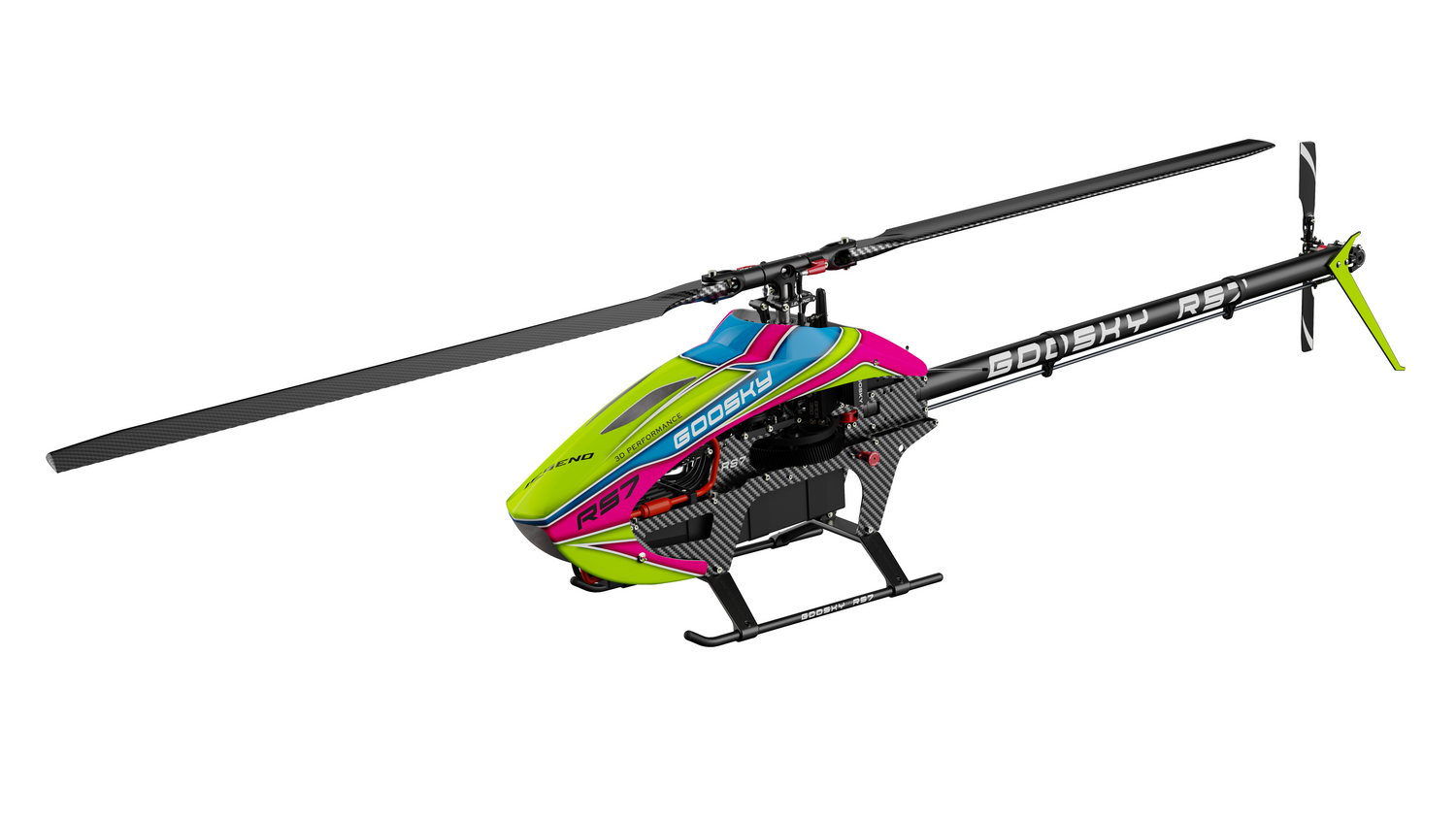

Goosky Stability / Pose Mode Setup with a Non-Goosky Transmitter
This guide explains how to set up Goosky Stability / Pose Mode when using a non-Goosky transmitter instead of the stock T8 radio.
• CH5 controls Stability / Pose Mode
• -100 = Mode OFF / 3D-manual mode
• +100 = Stability / Pose Mode ON
• Assign a 2-position or 3-position switch and map it to CH5
1) Assign Stability / Pose Mode to CH5
On your transmitter, assign a switch to Channel 5. The channel output should be:
- -100 = Stability / Pose Mode OFF
- +100 = Stability / Pose Mode ON
A 2-position switch works fine. A 3-position switch can also be used, but the important part is that CH5 reaches the correct end values.
2) Confirm the Flight Controller LED Behavior
After setup, watch the flight controller LED while switching CH5. The LED should change between the normal 3D/manual state and the Stability / Pose Mode state. This is the easiest way to confirm CH5 is working correctly.
Goosky documentation is not very clear about the exact LED descriptions for every state. The key point is that the LED behavior should clearly change when CH5 is switched. If there is no change, re-check your channel assignment and output values.
3) Check Stability / Pose Mode in a Hover
To verify that Stability / Pose Mode is working properly, fly the helicopter in calm conditions.
- Use a calm / non-windy day
- Take off to a hover above ground effect — typically over 1 meter / 3 feet
- Enable Stability / Pose Mode
- Briefly let go of the cyclic sticks and observe the model
Ask yourself: Does the helicopter stay mostly in place, or does it drift forward, backward, left, or right?
If it stays mostly in place and you’re happy with the result, setup is complete. If it consistently drifts too much in one direction, perform the calibration procedure below.
4) Stability / Pose Mode Calibration Procedure
If the helicopter drifts noticeably in Stability / Pose Mode, you can correct it with the built-in calibration process.
Calibration should be entered with Stability / Pose Mode enabled. Based on available user documentation and field reports, do not assume this procedure works from 3D / manual mode.
-
Enter Stability / Pose Mode first
Set CH5 ON so the helicopter is in Stability / Pose Mode. Calibration should be started with the helicopter on the ground and not spooled up. -
Enter calibration mode
Hold the elevator stick back for a few seconds while watching the flight controller LED. When the LED changes to the calibration flash pattern, calibration mode has been entered. -
Hover and make small corrections
Take off the same way as before, in calm conditions and above ground effect. Use very small cyclic corrections to counter the drift. After each correction, relax the sticks and observe the helicopter again. Repeat this process until the model holds position the way you want. -
Save the calibration
Land the helicopter, then hold elevator back again for about 10 seconds. Watch the LED for the confirmation change. Once the LED exits the calibration pattern, the new calibration should be saved.
Make very small corrections during calibration. Large stick inputs can make the result worse instead of better.
5) Troubleshooting
CH5 does not change the LED behavior
Re-check your switch assignment, channel mapping, and channel output values. CH5 must reach -100 and +100 correctly.
The helicopter still drifts in Stability / Pose Mode
Re-test in calm weather and hover above ground effect before judging drift. If it consistently pulls in one direction, repeat the calibration process using very small corrections.
The helicopter feels unstable near the ground
Stability checks should be done above ground effect, typically over 1 meter / 3 feet. Testing too low can give misleading results.
Calibration mode will not enter
Make sure the helicopter is on the ground, not spooled up, and Stability / Pose Mode is ON before holding elevator back.
6) Important Notes
- Do all testing in calm weather
- Always hover above ground effect before judging drift
- Use small corrections only during calibration
- Enter calibration with Stability / Pose Mode switched ON
- If CH5 does not change the LED behavior, re-check your switch assignment and channel output values
Guide provided by New England RC — support resources for Goosky helicopters and RC electronics.
© 2026 New England RC LLC. All rights reserved. This guide may not be reproduced, copied, or republished without written permission.